Camera and movement
Adjust camera zoom, movement speed and melee reach independently. Choose a multiplier from 0.10× to 10× or return to 1×.
Bring your artwork into the dungeon. Import a PNG or animated GIF for your hero, then adjust melee reach and camera zoom with Dungeon Tool for Windows.
Download player packageTimed packages & boost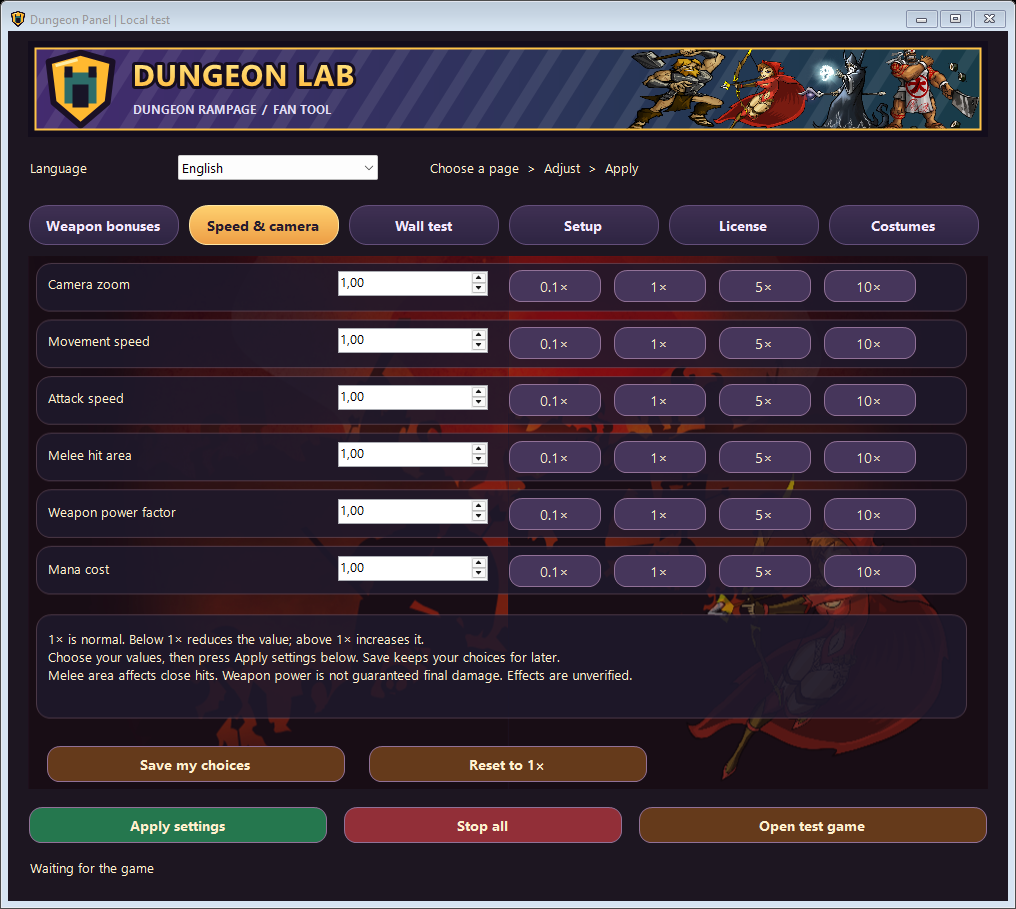
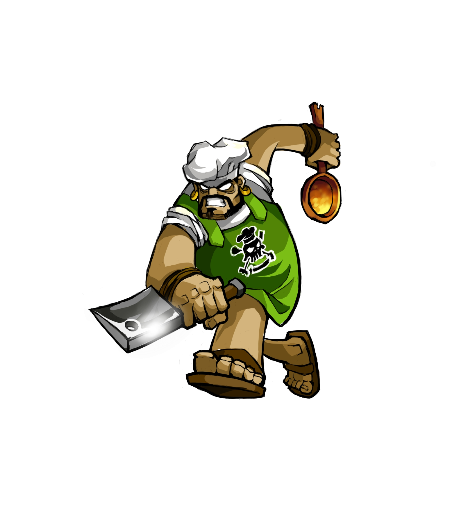 Battle Chef
Pick a Battle Chef look below. In the tool, choose a built-in costume or import your own PNG or animated GIF like Amber Chef. Apply the look and re-enter a dungeon with the same hero.
Expand a hero to explore matching costumes. Images come from the panel catalog. This website previews the catalog; it does not apply costumes to the game.
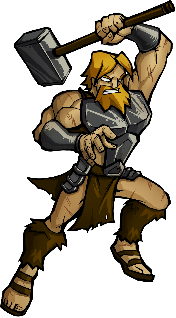
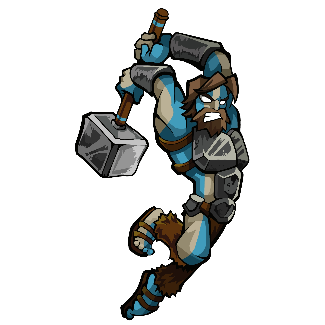
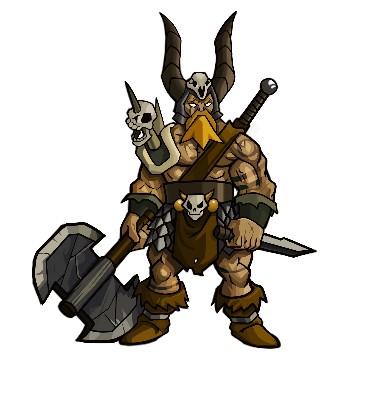
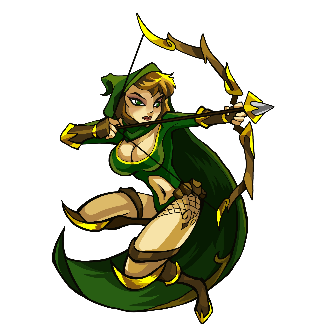
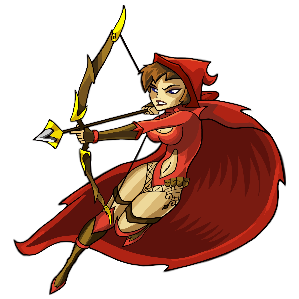
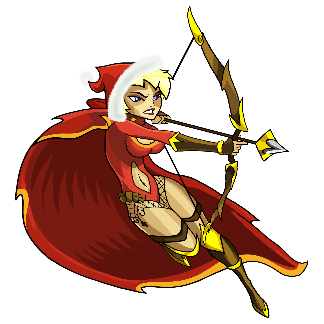
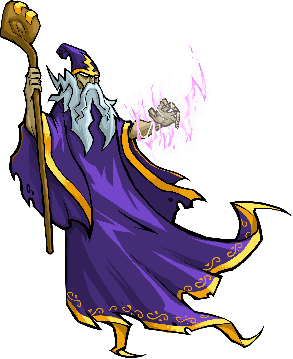
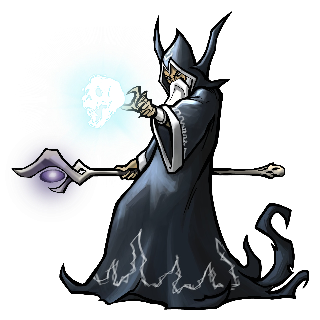
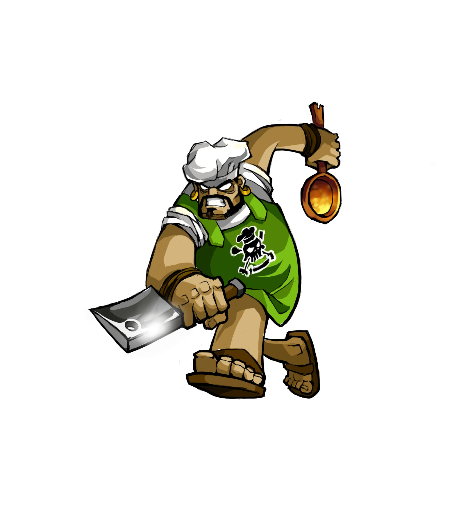
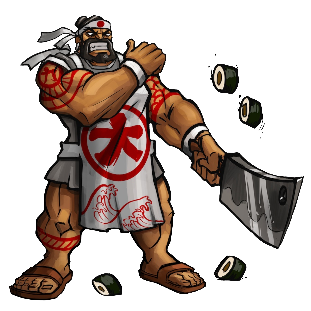
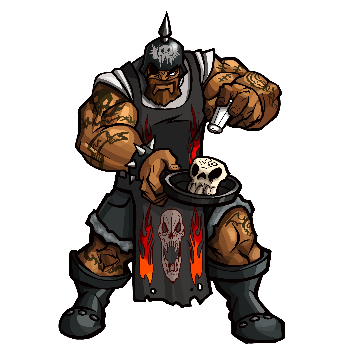
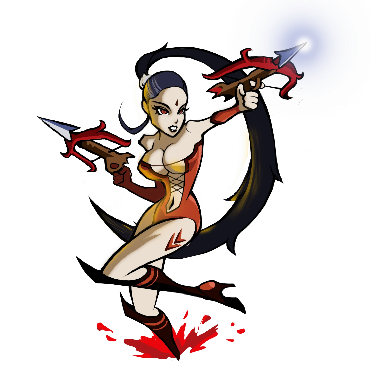
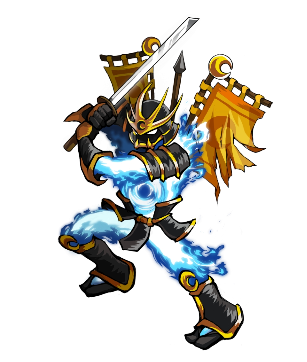
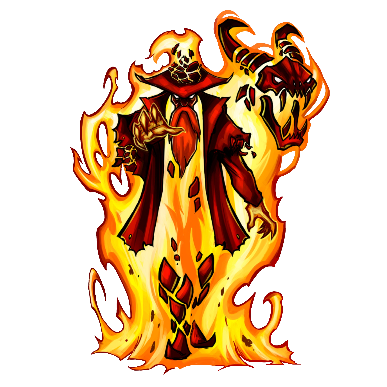
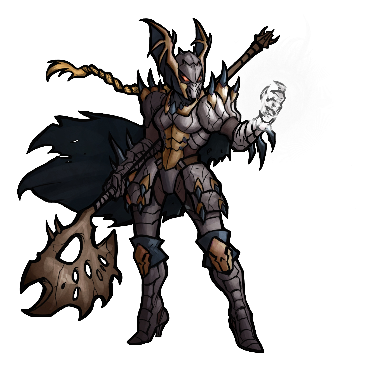
Local visual changes only. Account ownership and inventory are unchanged; other players are not promised the same view. Catalog files have been checked, but not every costume has been tested in live gameplay.
Choose a compatible base hero, then use Import PNG or GIF. Limits: 32 MB, 4096 pixels per side and 64 frames. The tool fits the image to the hero’s scale and ground anchor. The GIF loop may be reused across actions; it does not create separate animations for every attack or direction.
Advanced settings separate camera zoom, movement speed, attack speed, melee reach, power scaling input and mana cost. Presets are 0.10×, 1×, 5× and 10×; 1× restores the default value. Saving a setting is not confirmation that it has taken effect in the game.
The perk editor uses the current weapon and saves attack speed, mana cost, reach, piercing, chain and charged extra projectile choices as profiles. Effects depend on the weapon and game version. Automatic wall passage has a separate on/off control.
Zoom and reach changes can request FX, and costumes have active-state feedback. An effect or sound is not a guarantee of ban safety or that every feature works.
Adjust camera zoom, movement speed and melee reach independently. Choose a multiplier from 0.10× to 10× or return to 1×.
Select your equipped weapon in a dungeon. Set bonuses such as attack speed, mana cost or piercing, save your choices and apply them.
Enable passage once. The tool reapplies it when you enter another dungeon and shows when it is active. Switch it off at any time.
Separate fixed package prices for Türkiye and international customers. A package provides access for its stated duration; it does not transfer ownership of the software.
Total package price for one month of tool access.
Package support ↗Total package price for three months of tool access.
Package support ↗One payment for a one-hour session.
Availability support ↗The Windows tool verifies package access online. Confirm availability on Discord before paying.
Before paying, confirm your order, payment currency, total and any transfer fees on Discord. Ask for the account holder’s name and the account details for that currency.
Perk protection has not been verified to prevent bans. Other features and boosts also carry a ban risk.
The Windows tool, a setup guide and an example GIF. Tool access lasts for the selected package duration. The one-hour boost is a separate service and is not included in the tool package.
The Windows app checks package access online. Before paying, confirm the seller’s identity and contact details, compatible game version, delivery time, access start and end dates, support scope and applicable refund terms in writing. This page is not a checkout.
Accepting the ban risk does not waive statutory rights concerning a product that is not delivered or does not match its description. Game updates may affect compatibility. Ban protection and uninterrupted operation are not guaranteed.
An independent third-party tool, not presented as an official or developer-approved game product.